A guide from the MyDailyCash team. MyDailyCash is for adults 18+ and is not affiliated with Roblox.
Got a Roblox gift card — from a store, as a gift, or earned on My Daily Cash — and not sure how to use it? Redeeming takes less than a minute. This guide shows you how to redeem a Roblox gift card step by step, how to turn it into Robux, and how to fix the most common errors.
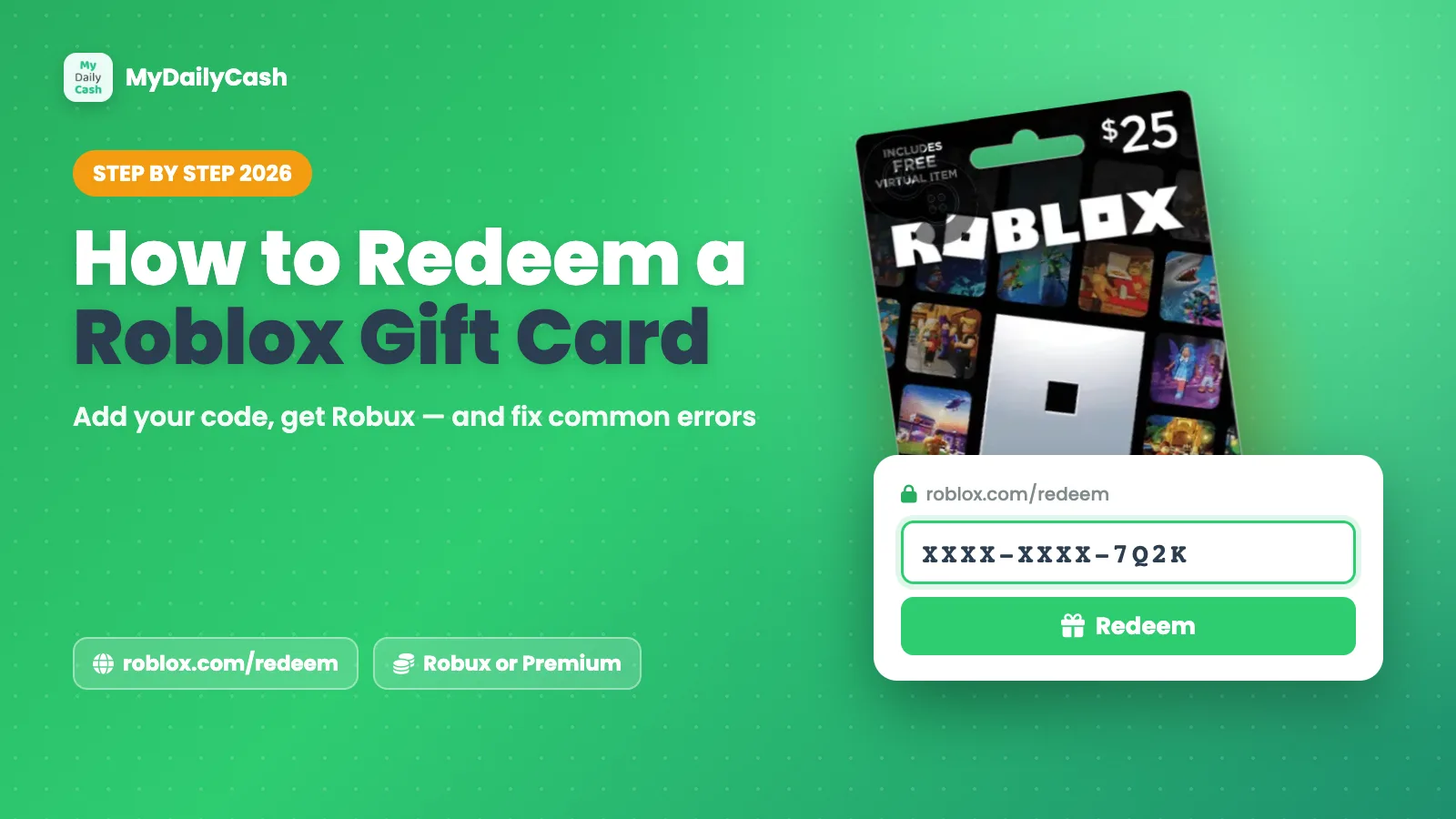
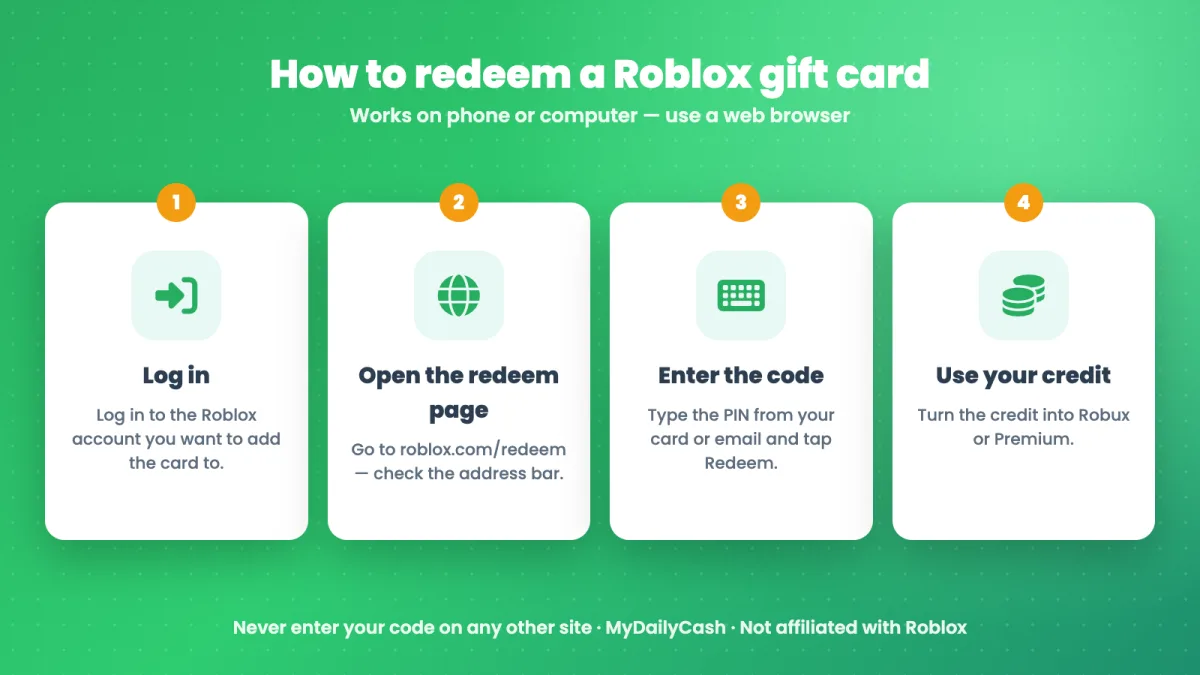
Quick answer: Log in to your Roblox account in a web browser, go to roblox.com/redeem, type the PIN code from your card or email, and click Redeem. The value is added to your account, and you can use it for Robux or Roblox Premium.
Before you start
- Your Roblox username and password — you'll redeem the card on your own account.
- The gift card PIN. On a physical card, scratch off the silver strip on the back. For a digital card, the code is in your email.
- A web browser — on your phone or computer. Using the official website is the easiest way to redeem.
How to redeem a Roblox gift card (step by step)
Step 1: Log in to the right account
Open your browser and log in to roblox.com with the account you want to add the card to. If the card is a gift for your child, log in to their account — the value can't be moved to another account after it's redeemed.
Step 2: Open the official redeem page
Go to roblox.com/redeem. Check the address bar: it should start with https://www.roblox.com. Never enter a gift card code on any other site.
Step 3: Enter the PIN and click Redeem
Type the code exactly as it appears — no spaces needed — and click Redeem. You'll see a message confirming the card was added, and the value appears in your account.
Step 4: Use your credit for Robux or Premium
Most Roblox gift cards add a dollar value (Roblox Credit) to your account. To turn it into Robux, open the Robux page on the website and choose a Robux package, then pay with your credit. You can also use it for a Roblox Premium membership. Some cards are sold as a fixed amount of Robux — those add the Robux directly.
Bonus: many Roblox gift cards include a free virtual item. If yours does, you can usually choose it right after redeeming.
Roblox gift card not working? Common errors and fixes
"Invalid PIN" or "code not valid"
Check every character: letters like O and 0, or I and 1, are easy to mix up. Type the code instead of copying it with extra spaces. If you bought a physical card, make sure it was activated at the checkout — if not, contact the store where you bought it.
"This code has already been redeemed"
Each code works only once. Check if someone in your family already used it on another account. If you're sure it's new, contact Roblox support with a photo of the card and your receipt.
I redeemed it but don't see Robux
Most cards add Roblox Credit, not Robux. Open the Robux page and buy Robux with your credit. Also check that you were logged in to the right account.
I can't redeem in the Roblox app
Use a web browser instead (phone or computer) and go to roblox.com/redeem. It's the most reliable way to redeem a gift card.
Still stuck? Use the official Roblox support page. Real Roblox support will never ask for your password.
Don't fall for "free Roblox gift card" scams
When people search for codes, scammers are waiting. Generators, "unused code" lists and sites that ask for your password are always scams. Learn the warning signs in our guides: Are free Robux generators real? and Free Roblox gift card: what's real.
Need a Roblox gift card? Earn one with My Daily Cash
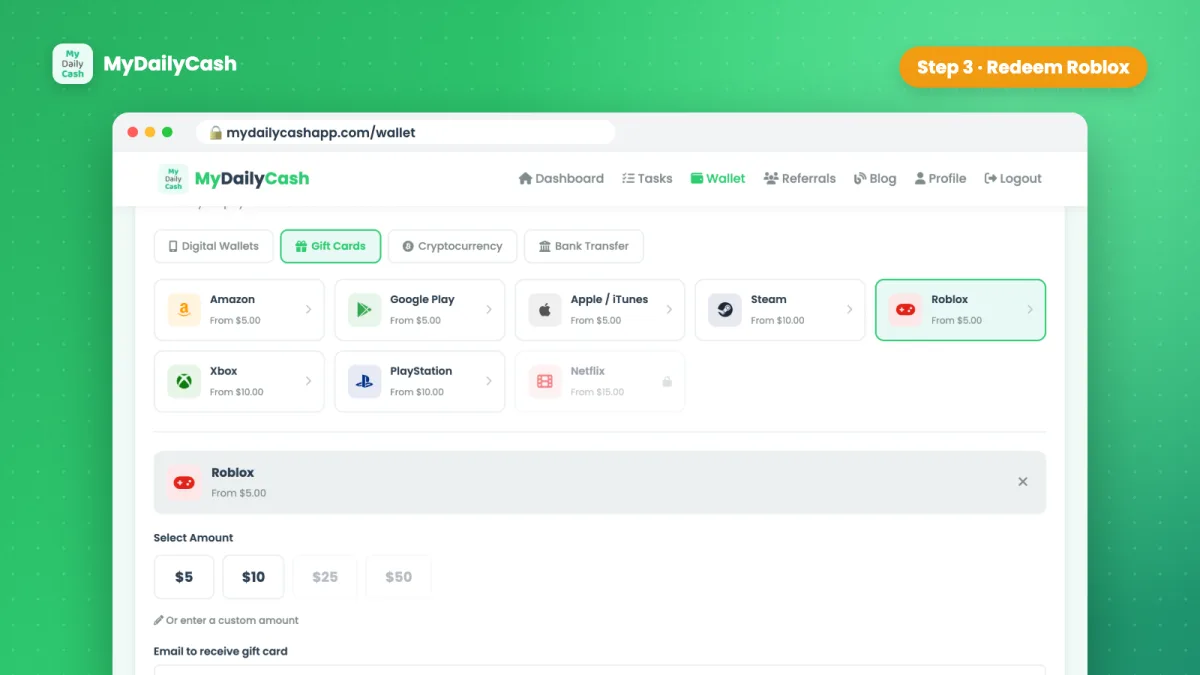
If you don't have a card yet, you can earn one without paying for it. On MyDailyCash you complete simple offers — like trying new games or answering surveys — and redeem your balance for an official Roblox gift card from $5. The code arrives by email, ready to redeem with the steps above.
- Sign up free (18+).
- Complete offers on the Tasks page — each one shows its reward up front.
- Open your Wallet → Gift Cards → Roblox and choose an amount.
Full walkthrough: How to get a Roblox gift card without paying. Earnings vary — it's a way to get rewarded for your free time.
Frequently asked questions
Where do I redeem a Roblox gift card?
On the official page: roblox.com/redeem. Log in to your account in a web browser, enter the PIN, and click Redeem.
Can I redeem a Roblox gift card on my phone?
Yes. Open a web browser on your phone, log in at roblox.com, and go to roblox.com/redeem.
How do I turn Roblox Credit into Robux?
After redeeming, open the Robux page on the Roblox website, choose a Robux package and pay with your Roblox Credit.
Can I move a redeemed card to another account?
No. Once a code is redeemed, the value stays on that account, so make sure you're logged in to the right one first.
How do I get a Roblox gift card code from MyDailyCash?
Earn a balance by completing offers, then request a Roblox gift card from $5 in your Wallet. The code is sent to your email, usually within 24–48 hours.